That’s why the introduction of dedicated workplace captioning tools — after years of captioning solutions being built for personal phone calls — has been such a crucial step forward.
Here are five of the best captioning tools for Deaf and Hard of Hearing professionals, each designed for a different use case.
Bridge is a real-time call captioning solution designed for business phone systems and meeting platforms. Developed by the team behind InnoCaption, it was built in response to what Deaf and Hard of Hearing professionals kept asking for: captions that work on the phone system their employer already uses.
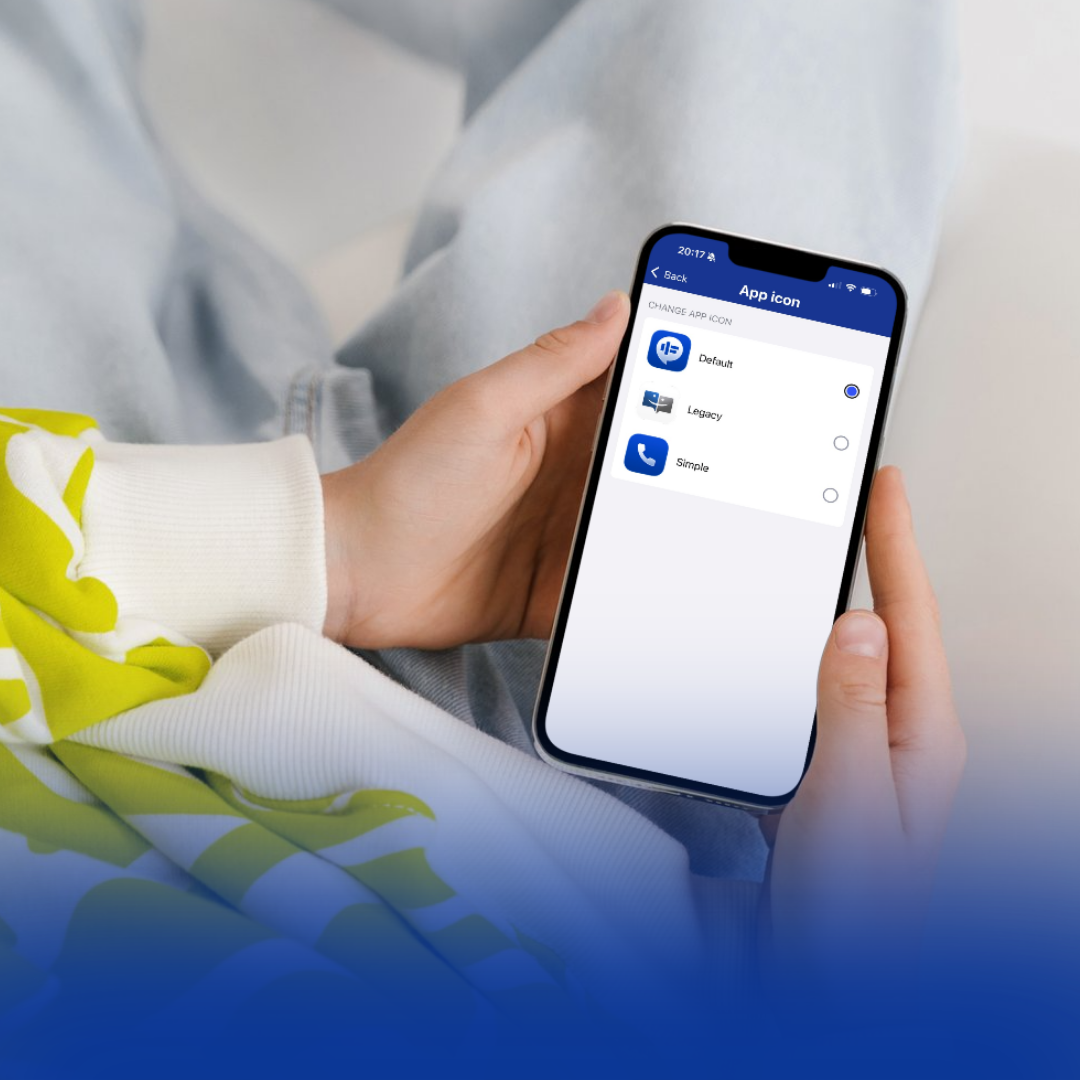
Bridge pairs a compact hardware device with an iOS app. The device connects to your phone or computer the same way a headset does, using Bluetooth, USB, or wired analog, and when a call starts, fast, accurate AI captions appear on your smartphone or tablet automatically.
With Bridge, no IT integration is required: no new servers, no new network software. It works with virtually every commercial VoIP phone system, including both desk phones and softphones, as well as with online meeting platforms like Zoom. Calls remain subject to your company's existing policies, and you still have access to the phone features you need for your job.
A few standout features:
Best for: Professionals who take calls on a company desk phone or softphone, and organizations looking for a plug-and-play accommodation that supports ADA compliance.
Not every workplace conversation happens through a phone or a screen. Bridge Live is a mobile app that captions face-to-face conversations in real time, which lets you stay engaged in the room instead of piecing things together afterward. It’s included with every Bridge subscription at no additional cost.
With Bridge Live, no setup is required: all you have to do is download the app, log in, and tap the microphone icon to start captioning.
A few standout features:
Best for: In-person conversations and meetings, from one-on-ones to all-hands.
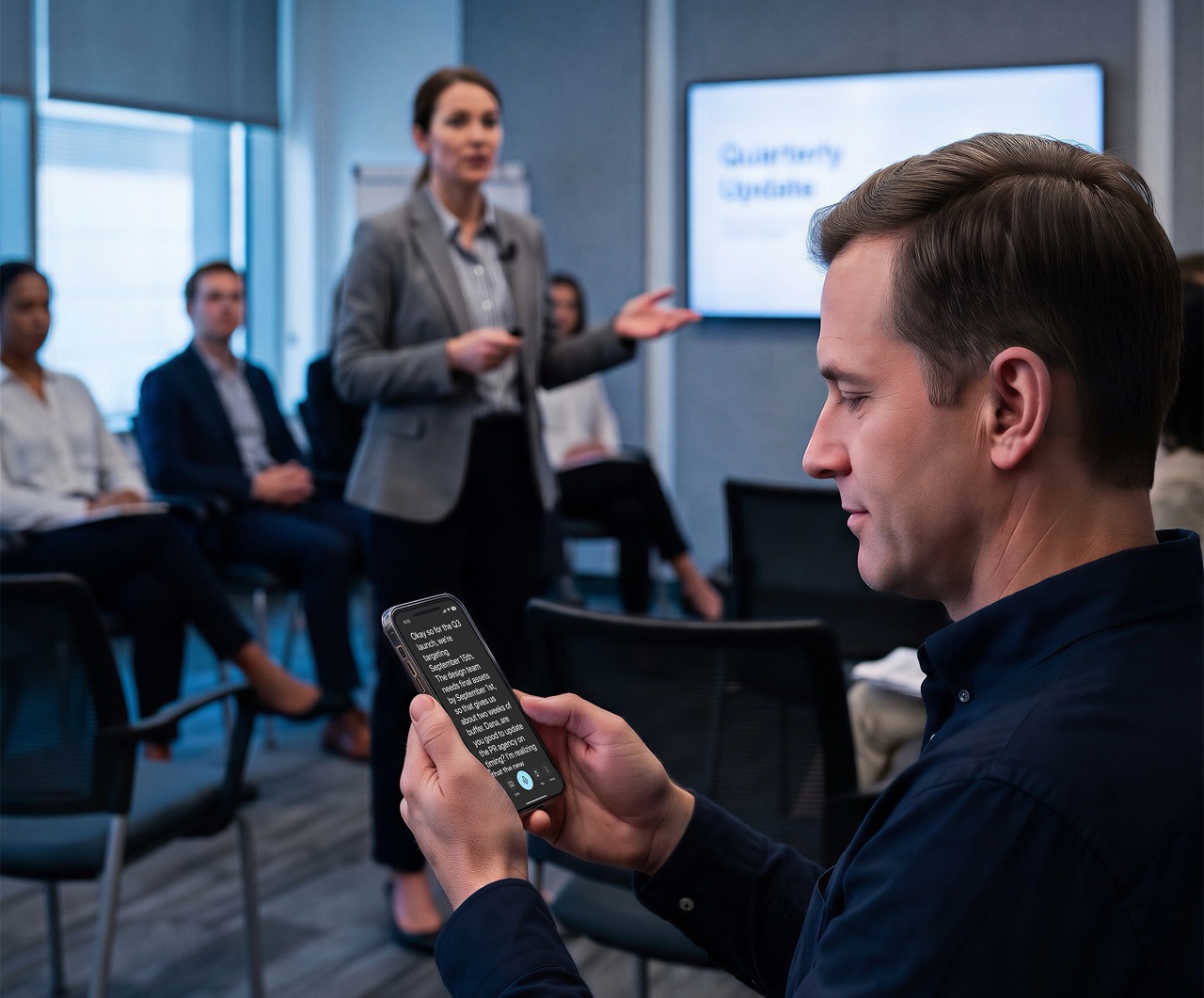
Live Transcribe is Google's free transcription app for Android, developed with researchers at Gallaudet University. Open the app, and whatever is said around you appears as text on your screen. It's great for everyday conversations.
The one catch for professionals is that there's no iOS or desktop version of Live Transcribe, so you'll need an Android device to use it.
A few standout features:
Best for: Everyday conversations.
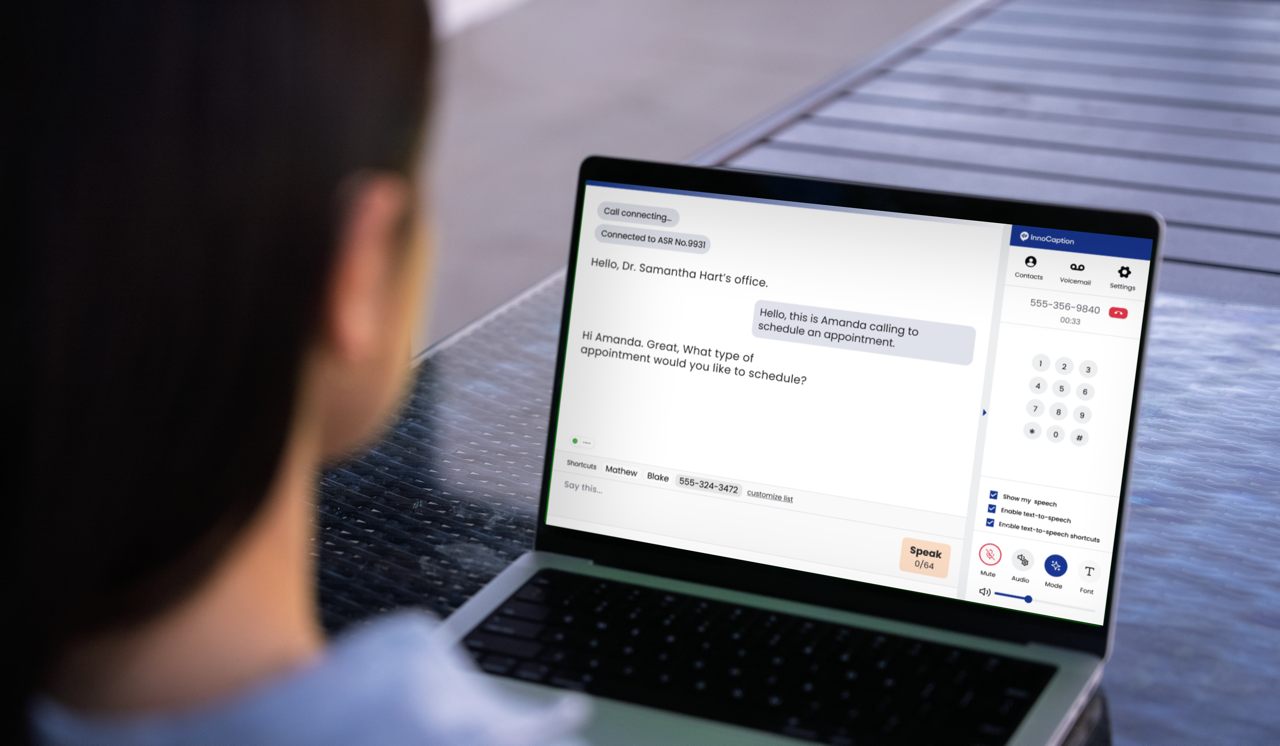
InnoCaption is an FCC-certified app that provides real-time captioning for phone calls. It's available at no cost to eligible users in the U.S., funded through the FCC's Telecommunications Relay Services (TRS) Fund, and has over 14,000 5-star reviews. InnoCaption Web brings that same great service to your browser, with all the features of the mobile app — including your choice of AI or live captioning by stenographers — on a larger, more comfortable display.
But InnoCaption Web can provide captions for video meetings, too. Just copy your meeting link, paste it into InnoCaption Web, and a captioning assistant called InnoCaption Bot joins your meeting silently. Real-time AI captions with speaker identification appear in a separate browser window, keeping your main screen free for the meeting itself. It works with Zoom, Microsoft Teams, Google Meet, and Webex.
A few standout features:
Best for: Deaf and Hard of Hearing professionals who spend their day in video meetings and want captions they control, independent of the meeting host or platform.
Some meetings call for more than automated captions. CART captioners can differentiate between voices, handle specialized terminology, and capture cultural nuance and humor — but until now, finding and booking one has been a complicated, time-consuming process. That's why the team behind InnoCaption built SnapCap.
SnapCap is a marketplace that makes it fast, easy, and cost-effective to book professional captioners for meetings, events, classes, trainings, and conferences. Just enter the meeting date and time, browse available captioners across the U.S., and book instantly. The captioner joins your meeting remotely and captions it live, providing a high level of accuracy and quality.
A few standout features:
Best for: Meetings and events where accuracy, confidentiality, and ADA compliance are essential.
Bonus: Interested in trying it yourself? Use code ICNEWS26 at registration on SnapCap’s website for $20 off your first booking.
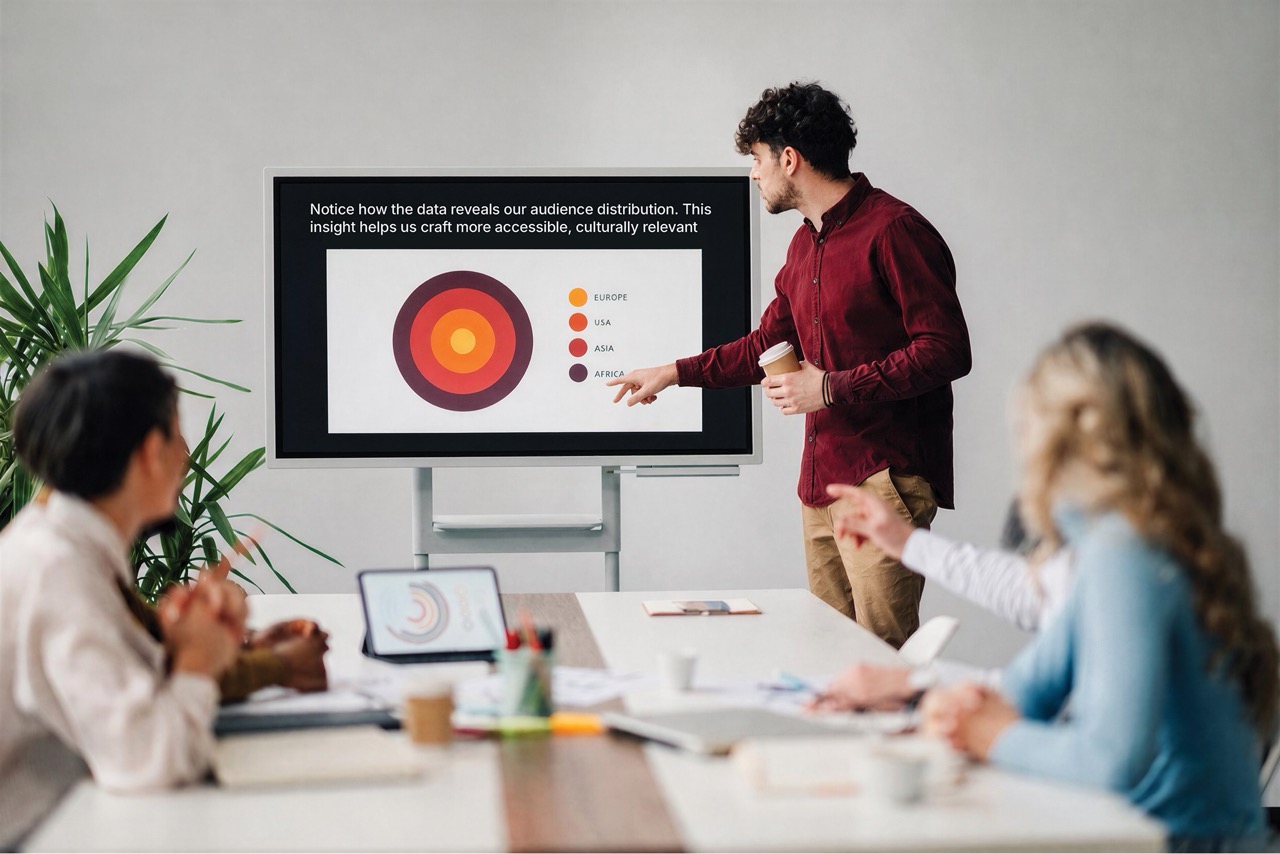
Maybe more than one! These tools cover different parts of the same workday. You might use Bridge for calls at your desk, Bridge Live for a face-to-face meeting at a client’s office, and SnapCap when the quarterly all-hands rolls around.
Start with the one that matches your next meeting or conversation.
What is the best workplace captioning tool for Deaf and Hard of Hearing professionals?
It depends on where your meetings happen and your accessibility needs.
Is there a free captioning tool for Deaf and Hard of Hearing professionals?
Yes. InnoCaption and its browser-based version, InnoCaption Web, are available at no cost to eligible users in the United States. The service is funded by the FCC through the Telecommunications Relay Services (TRS) Fund. Google Live Transcribe is also free for Android users.
Can I get captions on my work desk phone?
Yes. Bridge provides real-time captioning for calls on the desk phone or softphone you already use, with the captions displayed on your smartphone or tablet. There’s nothing for IT to install.
How can I get captions for in-person meetings at work?
If you have a Bridge subscription, Bridge Live is included at no extra cost and captions face-to-face conversations in real time. If you’re an Android user, Google Live Transcribe is a solid, free pick for everyday conversations.
When accuracy is crucial, like a board presentation full of specialized terminology or an event with multiple speakers, book a professional CART captioner through SnapCap instead. The captioner listens in remotely and captions the event live.
How do I add captions to a Zoom meeting without using Zoom's built-in captions?
It’s simple: download InnoCaption, then use InnoCaption Web. All you have to do is copy your meeting link and paste it into InnoCaption Web, then a captioning assistant called InnoCaption Bot will silently join the meeting and provide real-time captions in a separate browser window. Speakers will be identified with color coding to make it easier to follow group conversations, and the captions stay under your control no matter how the host has Zoom set up.
How do I book a human captioner for a meeting or event?
SnapCap makes it simple to book a professional captioner directly. You enter your meeting date and time, browse available U.S.-based captioners, and book in a few clicks. The SnapCap team will help you get the audio feed and captioning display set up, then your captioner will join the meeting remotely and caption it live.


Minah Han is a marketing professional dedicated to advancing accessible communication solutions for the deaf and hard of hearing community. At InnoCaption, she leverages her expertise in digital marketing and storytelling to amplify the voices of individuals who rely on innovative technologies for everyday conversations. Minah is passionate about bridging the gap between technology and accessibility, helping to drive awareness and education around captioned calling solutions.
InnoCaption provides real-time captioning technology making phone calls easy and accessible for the deaf and hard of hearing community. Offered at no cost to individuals with hearing loss because we are certified by the FCC. InnoCaption is the only mobile app that offers real-time captioning of phone calls through live stenographers and automated speech recognition software. The choice is yours.